
Start with the roles, not a sign-in wall
Quiet Search now opens on useful role evidence first, loads the interface sooner, and stays honest when the live catalog is slow.
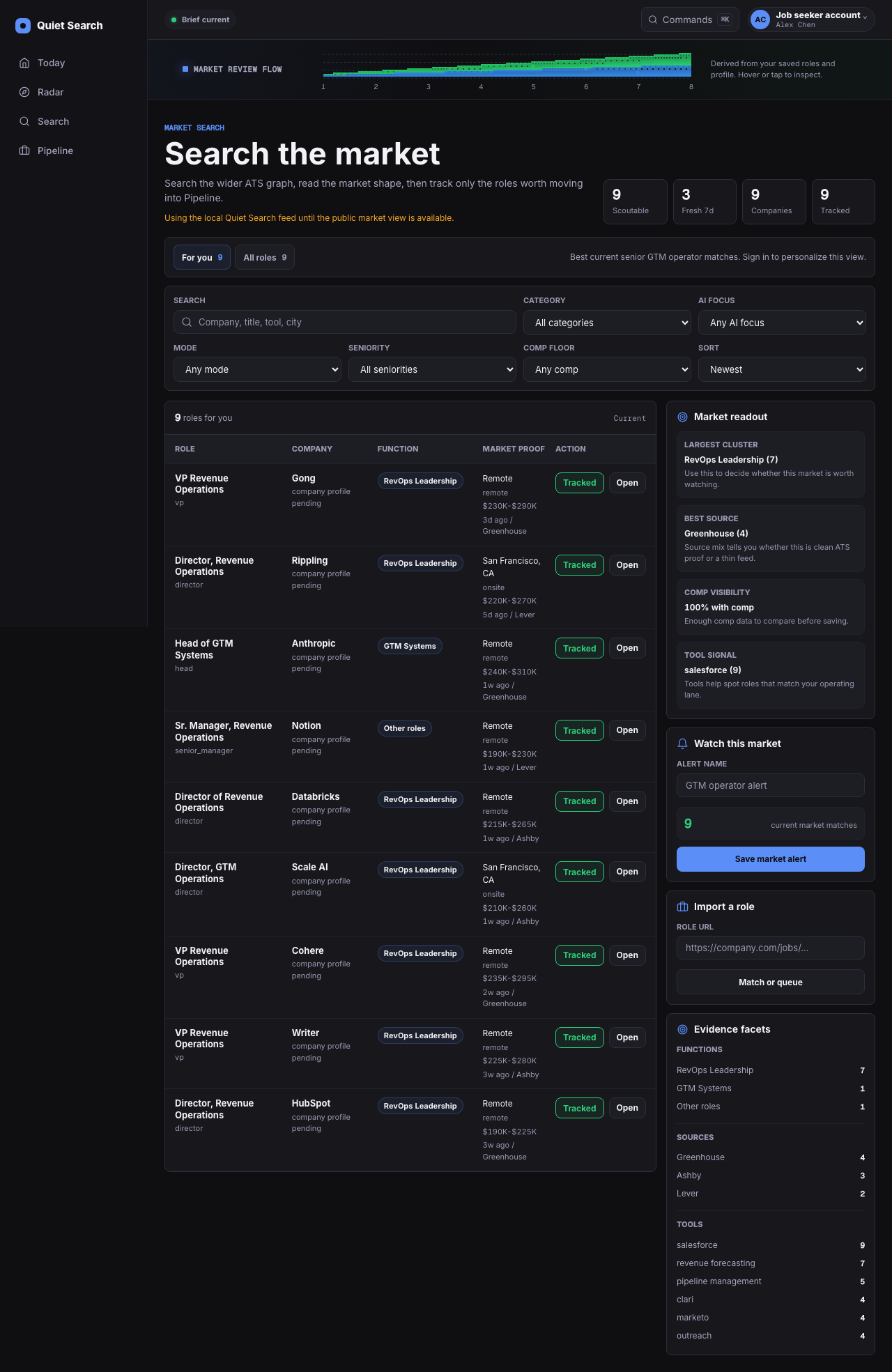
What changed
When you arrive signed out, Quiet Search opens the public role directory instead of making you pass through sign-in. Email magic links remain available when you want to save work or personalize the search.
The interface renders before update checks and nonessential code finish. If the live catalog is unavailable, the directory can use its last known snapshot and shows when that copy was refreshed.
A focused design and motion pass clarified filters, job details, keyboard paths, and changes of state while respecting reduced-motion preferences.
Why it matters
You can decide whether the market is worth your attention before creating an account.
A slow data source should not become a blank screen—or quietly pass old roles off as current ones.
Where to find it
Open Quiet Search while signed out to browse roles. Open any role to inspect its source, timing, compensation when stated, and the next useful move.